
SCX Digital
Pc Lap Counter works with SCX Digital:
Since version 4.38, Pc Lap Counter includes an interface to read data coming from the SCX Digital track. All information, such as cars crossing the S/F line, pit stops, fuel level, lane changes, throttle level and lap times, is decoded and processed by Pc Lap Counter; see the features of Pc Lap Counter to find out what you can do with race management software.
To connect your SCX Digital track to your computer, you need an SCX Digital PC interface:
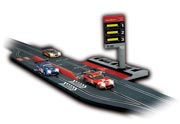
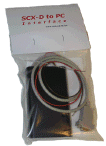
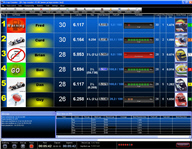

SEB USB interface: plug and race! (requires Pc Lap Counter 4.55)
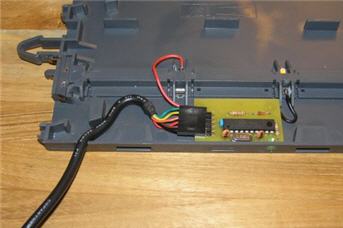
The The SEB USB interface gives you wings...
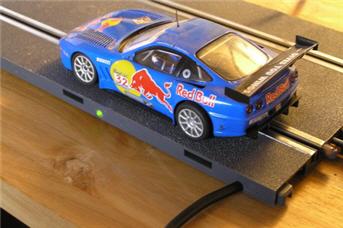
You can buy an assembled SCX Digital to PC interface here:
www.virklund.dk/scx/ (manufacturer of the SEB interface)
Video of Pc Lap Counter using SCX Digital with the SEB serial interface, by SlotHobbySolutions
How to configure Pc Lap Counter to work with SCX Digital:
- Launch Pc Lap Counter as usual.
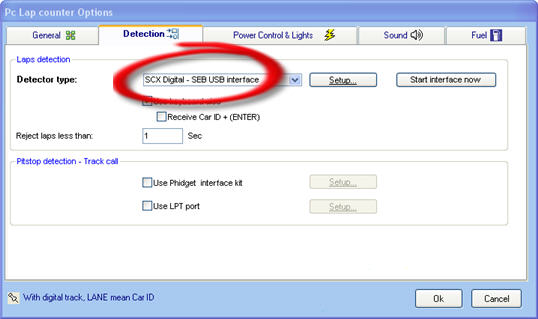
- In the options window, choose the detector type “SCX Digital - SEB USB interface” or “Serial”, depending on your SEB interface type.
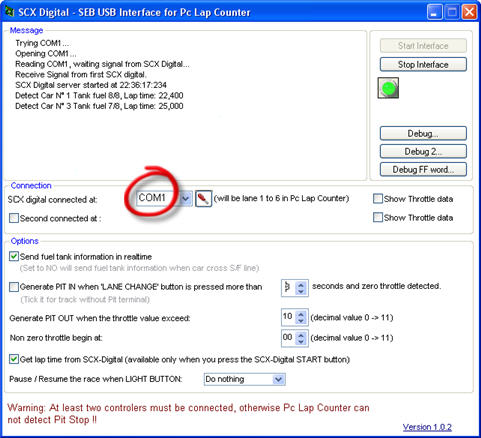
- In the Windows taskbar, select the program “SCX Digital SEB interface” and change the serial port if necessary.
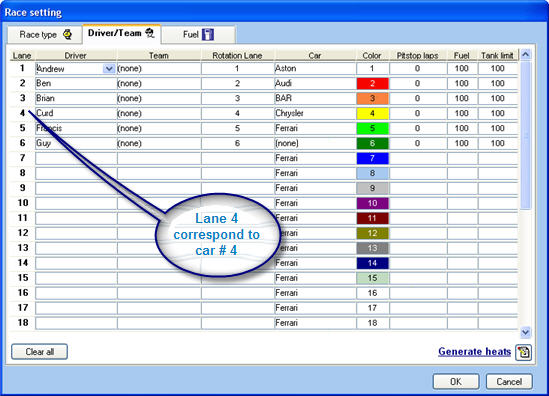
- Then you only need to assign drivers to the right lanes when you set up a race (lane 1 corresponds to car 1, lane 2 to car 2, etc.).
To Know:
- Lap times are only read from the SCX Digital if you press the START button on the SCX Digital.
- Pressing the START button on the SCX Digital automatically starts the race in Pc Lap Counter.
- You can pause/resume the race by pressing the LIGHT button on the SCX Digital.
Fuel management with SCX Digital: you have two possibilities:
- Use the SCX Digital fuel management by setting “Fuel management” to OFF in the race setting:
The SCX Digital then handles the fuel management itself (including fuel consumption and refuelling). Pc Lap Counter only displays the fuel tank information coming from the SCX Digital and alerts you when the tank reaches 2/8 and when it is empty (see your SCX Digital manual for more information about fuel management). - Use Pc Lap Counter fuel management, in the race setting set “Fuel management” to ON:
in that case Pc Lap Counter will ignore fuel tank information comming from SCX digital and will use the digital fuel management of Pc Lap Counter (since version 4.45).
Tutorial video of PCLC using fuel management with an SCX Digital control unit without pit function, by SlotHobbySolutions
Recommended requirements for using Pc Lap Counter with SCX Digital:
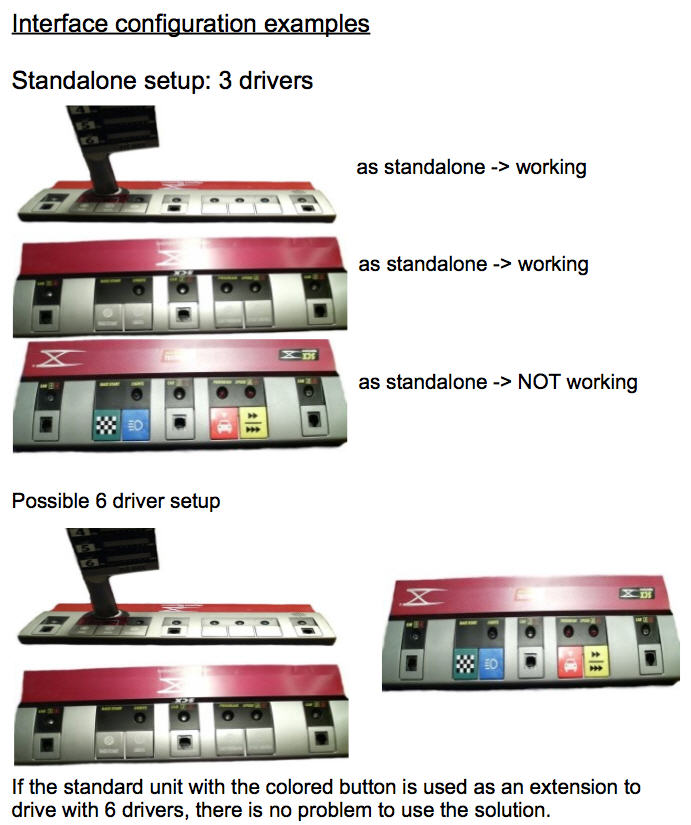
WARNING : AT LEAST TWO CONTROLERS MUST BE CONNECTED , OTHERWISE PC LAP COUNTER WILL NOT DETECT PIT ENTERING
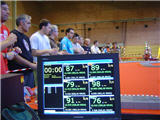
Picture taken by Dani during Slotmeeting 2007, more pictures