Scalextric Digital
Pc Lap Counter works with the Scalextric 6 Car Powerbase (C7030):
Since version 4.20, Pc Lap Counter includes an interface to read the data coming from the Scalextric Digital 6 Car Powerbase (C7030).
With Pc Lap Counter, your Scalextric Digital track gains more functions, such as sound, car rotation, teams, gap, lap history, large display, fuel management and Stop & Go management (Pc Lap Counter is also compatible with the PB-Pro and the Pit-Pro).
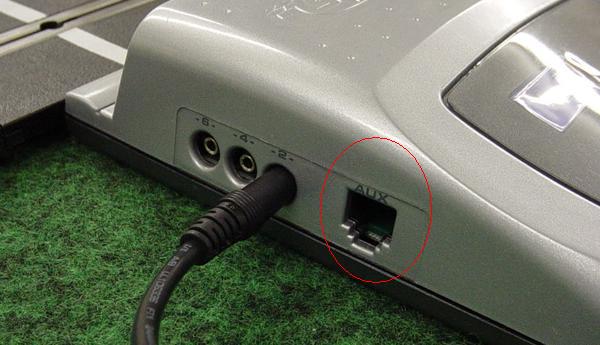
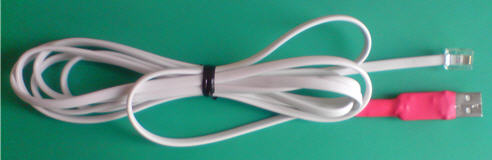
The Scalextric Digital 6 Car Powerbase can be connected to the serial port of the PC via the “AUX” connection of the Scalextric Digital system; a special cable is required.
You can buy an assembled cable for SSD by sending an e-mail to Rich G: richg@girling.net

How to configure Pc Lap Counter for the Scalextric Digital C7030:
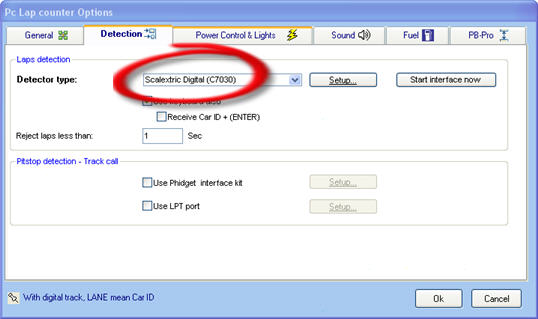
- In the options window, choose the detector “Scalextric Digital C7030”.
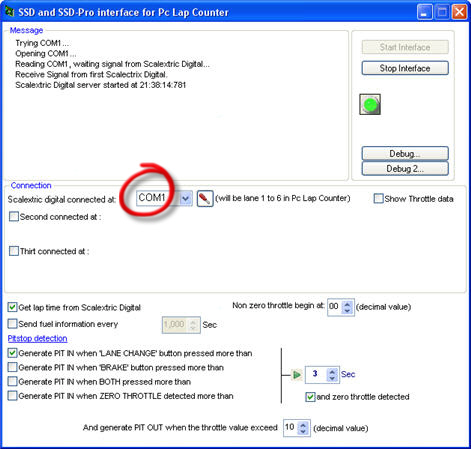
- In the Windows taskbar, select the program “Scalextric Digital C7030” and change the serial port if necessary.
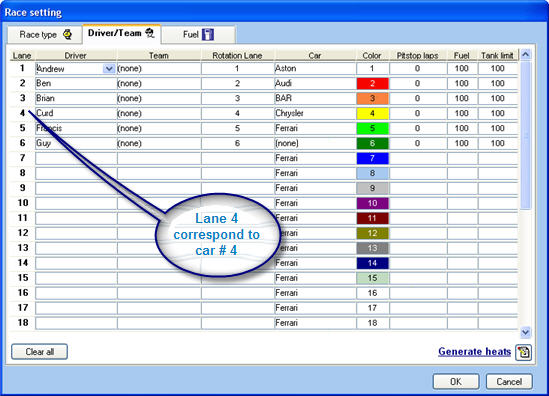
- Then you only need to assign drivers to the right lanes when you set up a race (lane 1 corresponds to car 1, lane 2 to car 2, etc.).
Warning: to use a C7030 powerbase as a pit stop sensor, you must modify it. More information on the modification here.