Trackmate
Pc Lap Counter works with the Trackmate interface for Windows
Version 4.46 of Pc Lap Counter includes a new interface to read data from the Trackmate interface for Windows.
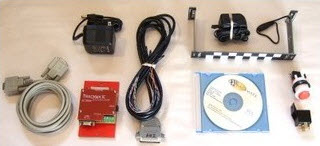
Pc Lap Counter supports all the functions of the Trackmate interface board, such as the relays and the track call button.
With Pc Lap Counter, your Trackmate system gains fuel management, Stop & Go management and more.
If you use infrared sensors, Pc Lap Counter can also detect pit stops using the timing gantry (when a car stays over the sensor for 2 seconds, PCLC generates a pit stop event).
How to configure Pc Lap Counter to work with the Trackmate interface:
- Go to the options screen (click the “options” button).
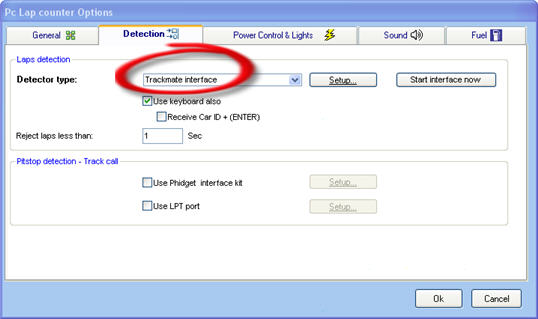
- In the general options, choose “Trackmate interface” as the detector type and click OK; the interface starts automatically.
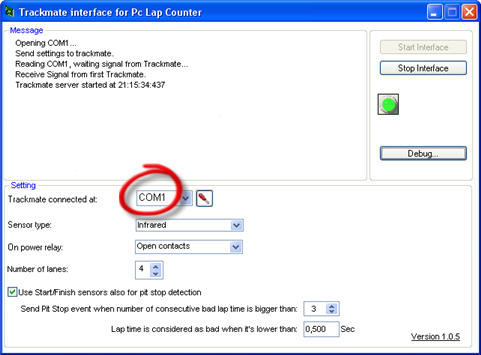
- In the taskbar, select the “Trackmate interface” program and change the COM port if necessary (default is COM1).
- Choose your Trackmate sensor type and the way your relays work (see the Trackmate documentation for more information).
- Then you only need to assign drivers to lanes 1 to 8 when you set up a race (the Trackmate interface has a maximum of 8 lanes).